
Plans & subscription
FormSlug has four plans: Free, Pro, Team, and Business. Each unlocks more slugs, members, and features. Billing is handled by Stripe — you can pay monthly or save 20% by paying annually.
Plan comparison
Section titled “Plan comparison”| Feature | Free | Pro | Team | Business |
|---|---|---|---|---|
| Slugs | Up to 5 | Unlimited | Unlimited | Unlimited |
| Domain | Shared only | Custom domain | Custom domain | Custom domain |
| Team members | 1 | Up to 4 | Up to 15 | Unlimited |
| Member roles (Admin/Manager/Member) | — | — | ✓ | ✓ |
| Pause / resume slugs | — | ✓ | ✓ | ✓ |
| Per-slug analytics | — | ✓ | ✓ | ✓ |
| Campaign analytics (UTM) | — | — | — | ✓ |
| Approval flow | — | — | — | Coming soon |
| SLA | — | — | — | ✓ |
The full, current pricing is on the Plans page in the dashboard.
Monthly vs. annual
Section titled “Monthly vs. annual”Annual billing saves 20% compared to month-by-month. Toggle between the two on the Plans page before checking out.
Free trial
Section titled “Free trial”When you upgrade from Free to Pro, Team, or Business for the first time, you get a 14-day free trial. You’re not charged until the trial ends, and you can cancel any time during the trial.
Upgrade
Section titled “Upgrade”- Open the FormSlug dashboard.
- In the left sidebar, click Billing (or open the Plans page directly).
- Pick monthly or annual.
- Click Upgrade under the plan you want.
- You’re sent to Stripe Checkout to enter payment details.
- After payment, you’re redirected back to the dashboard. Your new plan limits take effect immediately.
Downgrade
Section titled “Downgrade”You can downgrade at any time. Downgrades take effect immediately, and any unused time on your current plan is credited toward your next renewal.
- Open Billing in the dashboard.
- Click Downgrade under the lower plan you want.
- Read the warnings in the confirmation modal — especially if you’re going back to Free.
- Confirm.
Manage your subscription
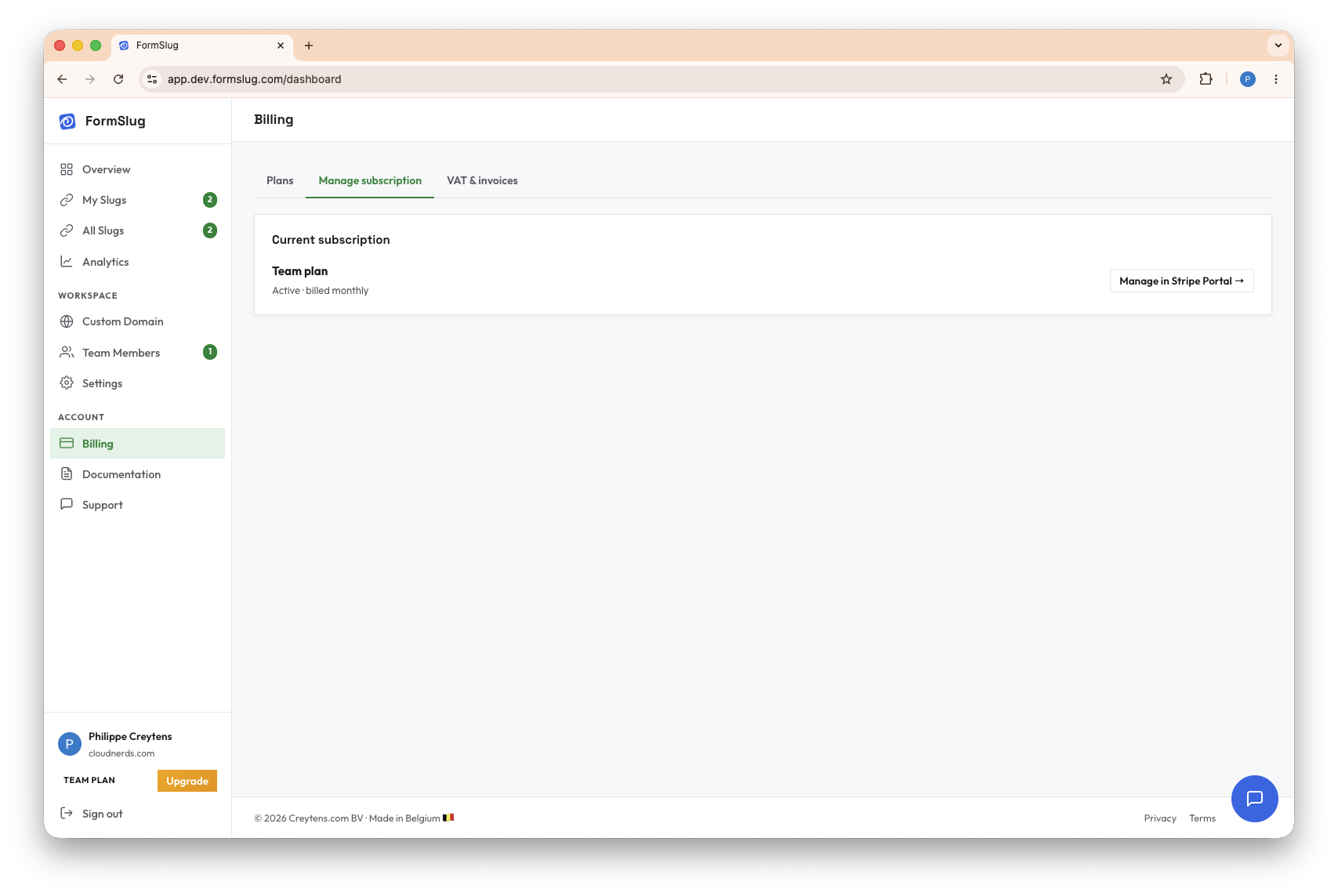
Section titled “Manage your subscription”Once you’re on a paid plan, the Manage subscription tab in Billing opens the Stripe Customer Portal, where you can:
- Update your payment method.
- Download invoices.
- Change plan or cancel your subscription.
- Update billing email and address.
Status banners
Section titled “Status banners”FormSlug shows a status banner at the top of the dashboard when something needs your attention:
- Payment failed — Stripe couldn’t charge your card. Open the customer portal to update it.
- Trial ending soon — your free trial ends in 3 days or fewer.
- Subscription cancelled — you’ve cancelled but are in the grace period. Includes a Reactivate button and the date your data will be deleted.
- Billing handoff — the admin role has been transferred and the new admin needs to add a payment method via the Stripe customer portal.
Cancellation & data retention
Section titled “Cancellation & data retention”When you cancel a paid subscription, you keep access until the end of the current billing period. After that, the workspace falls back to the Free plan limits.
If you instead delete your workspace (via Settings), data is kept for 30 days before permanent removal, in case you change your mind.
What’s next
Section titled “What’s next”- About workspaces — workspace settings, ownership, and deletion.
- Teams & members — work out which plan fits your team size.