
About workspaces
A workspace in FormSlug is the shared container for your team’s slugs, settings, custom domain, billing, and members. Every workspace is tied one-to-one to a Google Workspace domain.
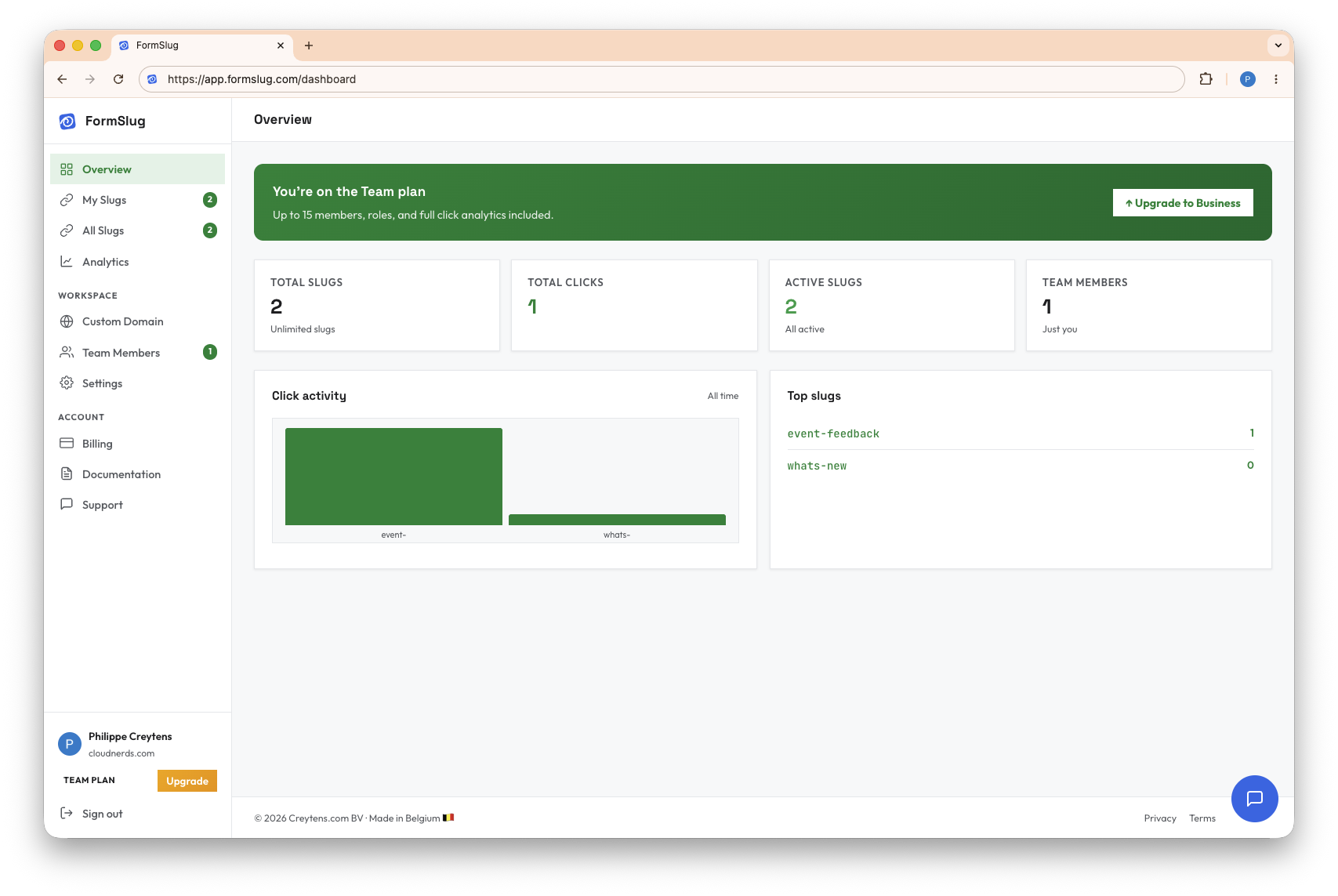
One workspace per Google Workspace domain
Section titled “One workspace per Google Workspace domain”When the first person from yourcompany.com signs in to FormSlug, a workspace for yourcompany.com is created automatically. Anyone else who signs in with a @yourcompany.com Google Workspace account joins that same workspace — there’s no separate “create workspace” step, and no workspace switcher.
This is intentional: it means your whole team sees the same slugs, and you don’t have to coordinate which workspace to put a slug in.
What a workspace contains
Section titled “What a workspace contains”- Slugs — every short link your team has created.
- Members — everyone from your domain who has signed in to FormSlug. See Teams & members.
- A custom domain (optional, paid plans) — replaces the shared
go.formslug.com. See Custom domain. - Billing & plan — your subscription tier, payment method, and invoice history. See Plans & subscription.
- Workspace settings — workspace-level options visible to admins.
Open workspace settings
Section titled “Open workspace settings”- Open the FormSlug dashboard.
- In the left sidebar, click Settings.
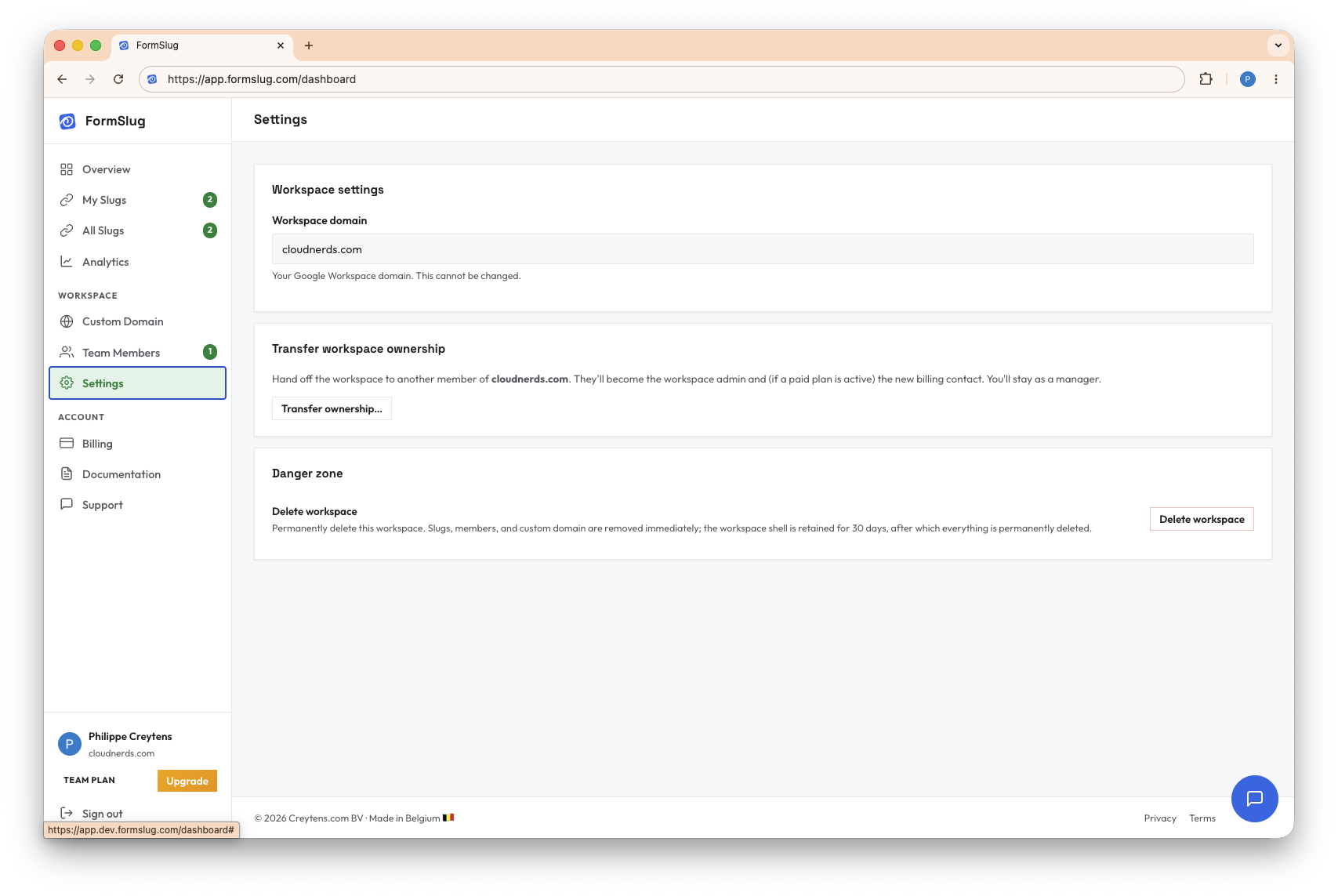
From here you can:
- See your workspace domain (read-only, mirrors your Google Workspace domain).
- Initiate a transfer of the admin role to another teammate (admin only — see Teams & members).
- Request workspace deletion by contacting support. Deleted workspaces are kept for 30 days before permanent removal, in case you change your mind.
Roles in a workspace
Section titled “Roles in a workspace”There are three roles:
- Admin — exactly one per workspace (the creator). Holds the billing relationship, can change the plan, can delete the workspace, and can transfer the admin role to someone else.
- Manager — can edit any slug, invite or remove members and managers, and approve join requests. Cannot change billing or delete the workspace.
- Member — can create their own slugs, see all slugs in the workspace, and edit/delete the ones they created.
Roles are introduced in detail in Teams & members.
What’s next
Section titled “What’s next”- Custom domain — switch from
go.formslug.comto your own. - Teams & members — invite teammates and assign roles.